Free Printable December 2026 Calendar Portrait Layout fits the upright spaces where a horizontal sheet tends to fold over or stick out. Think of a clipboard carried through a classroom, the inside cover of a project binder, or the narrow strip of wall beside a pantry. A vertical calendar gives those spaces a full month of dates without requiring the reader to turn the rest of the papers sideways. Check the usable width first, particularly if the sheet must slide into a sleeve with a stitched edge.
Free Printable December 2026 Calendar Portrait Layout
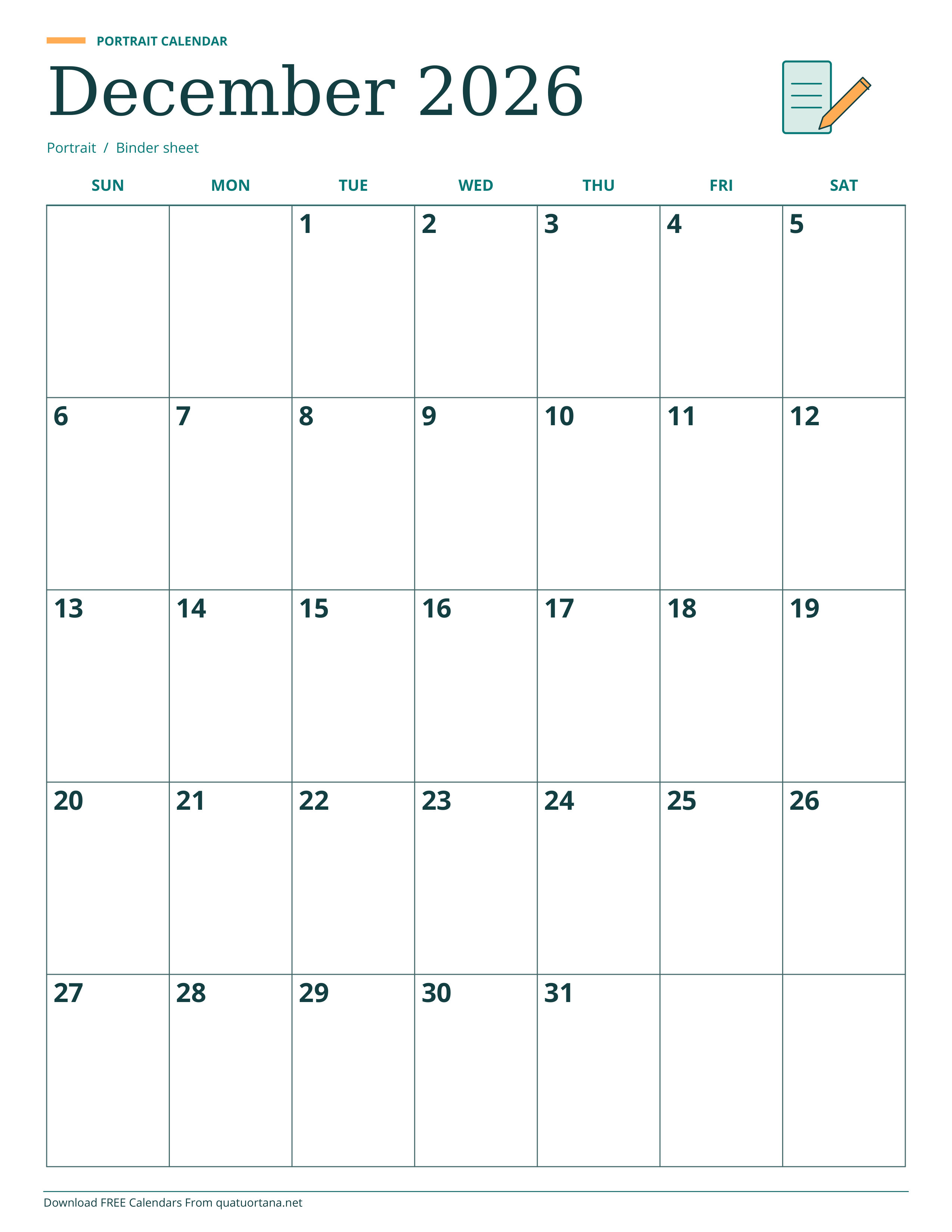
Download full-size JPG
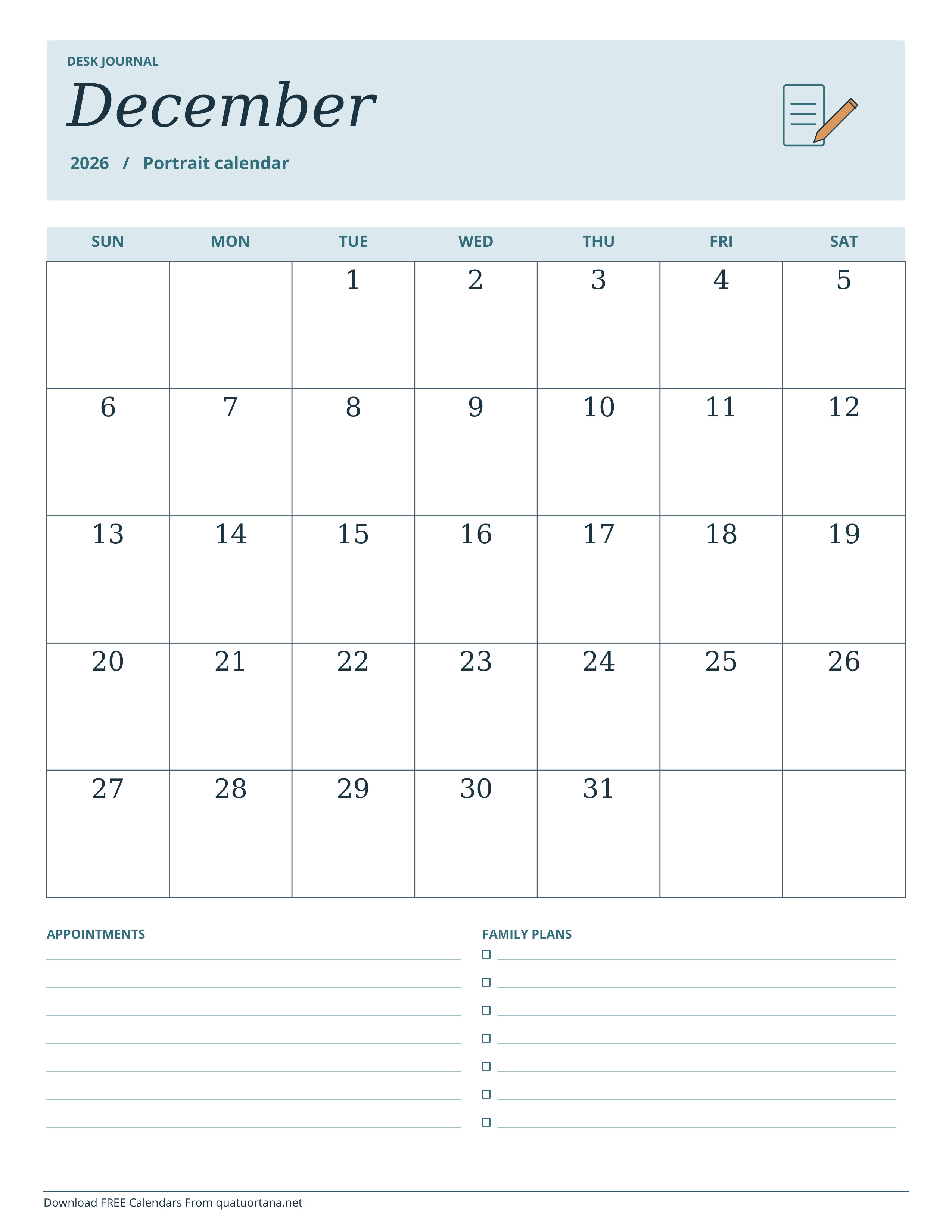
Download full-size JPG
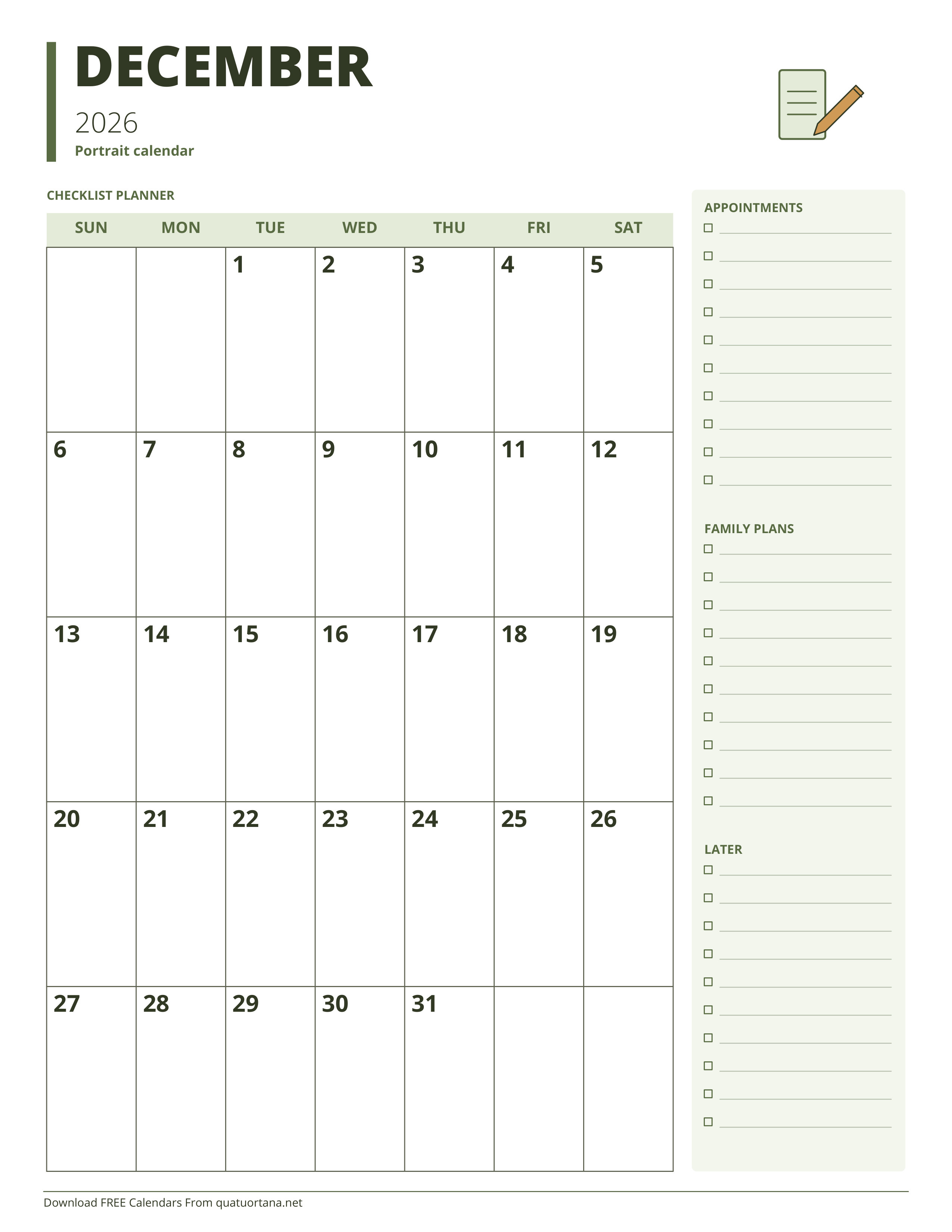
Download full-size JPG
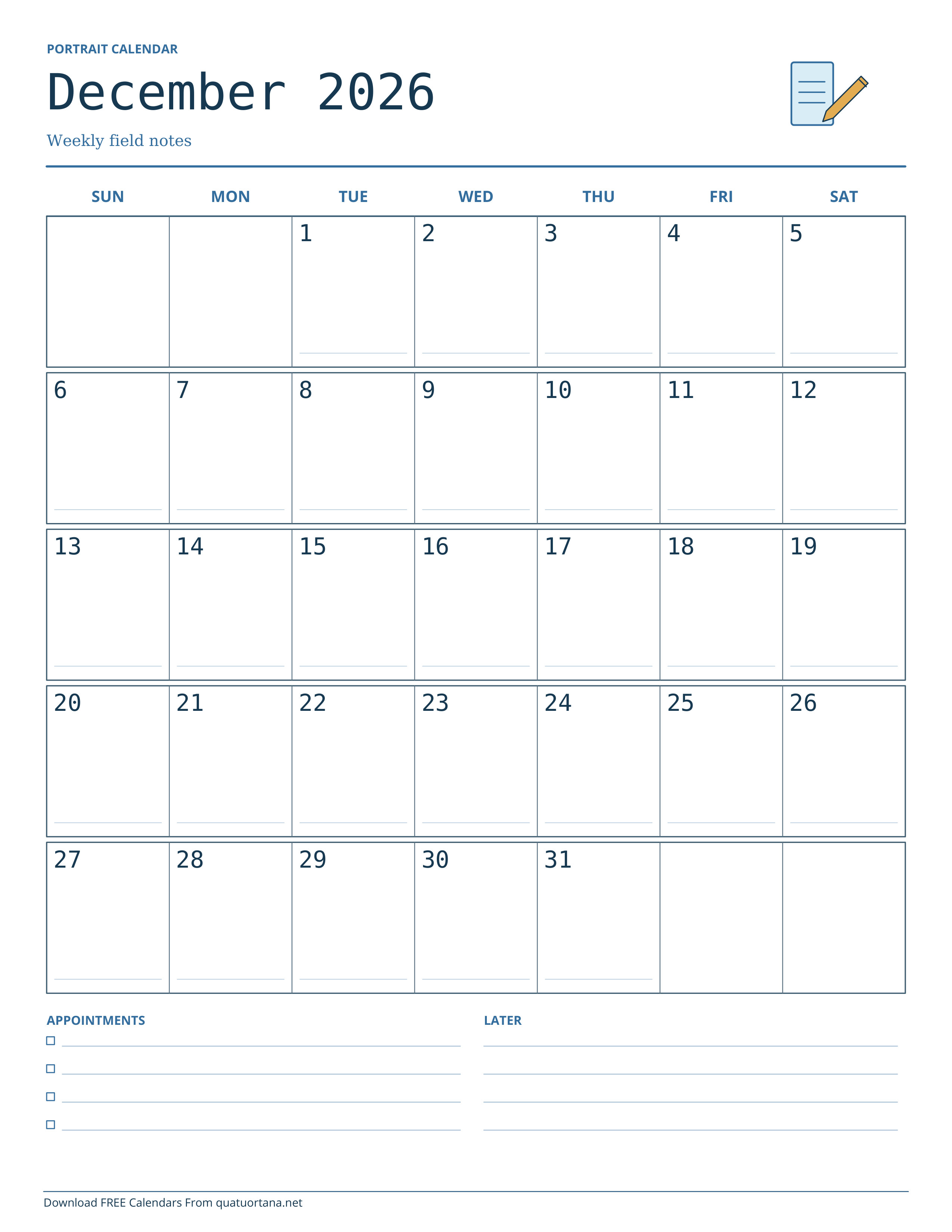
Download full-size JPG
Plan Around the Upright Page
A portrait calendar is especially handy when it travels with other letter-size papers. Put the month at the front of a binder, then file the permission slips, work orders, or reservation confirmations behind it. The calendar becomes an index you can scan before opening a folder. Write a short reference beside the relevant date, such as “concert, blue tab.” Details stay on their own pages, and the month remains easy to read while you are standing up.
December begins on Tuesday in 2026 and ends on Thursday. The five Tuesdays are the 1st, 8th, 15th, 22nd, and 29th. A clipboard that follows a weekly lesson or delivery route can use that single column as its starting point. Add the route number or lesson title next to each Tuesday. If one appointment moves, enter it on the actual weekday and pencil a small pointer on the old date. A reader who remembers the original plan will know where to look.
| Holder | Measurement to Take | Useful Adjustment |
|---|---|---|
| Clipboard | Distance from the clip to the bottom edge | Keep the month heading visible below the clip |
| Three-ring binder | Width available inside a sheet protector | Use a sleeve if punched holes would cross the first column |
| Kitchen wall strip | Space between the door trim and nearest switch | Place a proof print in position before mounting |
| Project folder | Inside height after closing the flap | Choose a smaller print scale if the bottom edge curls |
Find the Binding Edge Before Printing
A page can look centered on screen and still lose part of a date when holes are punched. Lay a sheet that is already punched over the proof. If the holes fall too close to the calendar, use a clear sleeve or print slightly smaller with the grid shifted away from the binding, provided your print application offers that setting. Leave breathing room along the bottom as well. It is easy to cover the last week with a binder pocket or a decorative label.
Fit Entries on a Printable December 2026 Portrait Calendar
A tall page makes it tempting to turn each date into a miniature list. Try giving each line a role. The first line can hold a time, the next a short action, and the last an identifier that leads to a supporting document. For a field trip on Friday, December 11, the box might read “8:15 / bus pickup / green folder.” The bus route, consent forms, and lunch details belong behind the green tab. A substitute can find the right information without decoding a paragraph in tiny pencil marks.
- Break a long venue name at a natural word boundary, especially if the neighboring date already contains its own entry.
- Keep page references short and specific. Two letters and a number are easier to copy correctly than a long file name.
- Add a tiny open square only to entries that somebody needs to complete. Appointments can stand on their own.
- Leave a clear line between separate commitments on the same day, even when that means moving details to another sheet.
Prepare a Clipboard Copy That Travels Well
- Open the downloaded JPG and select the paper size you actually have in the printer.
- Set the orientation to portrait and confirm the full seven-column grid appears inside the preview.
- Print a test sheet, place it in the intended holder, and read the last row from your normal standing position.
- Carry the page through a typical day before printing extra copies for the rest of the team.
Use the Free Printable December 2026 Calendar Portrait Layout in a Project Binder
A household preparing a guest room might put the month on top, a list of supplies second, and measurements third. Schedule the room measurement for Saturday, December 5, then the shelf installation for Saturday the 12th. Add a small “M” beside the first date and “S” beside the second. Use matching letters on the pages behind the calendar. When someone stands in the store with the clipboard, the label leads straight to the dimensions without searching an inbox.
If the calendar will sit in a sleeve, you can mark the sleeve with a compatible erasable pen after testing an inconspicuous corner. Slip the original out before cleaning the sleeve. People who prefer a permanent record can simply write on the paper and insert it afterward. At the end of December, lift the sheet and any related pages into the same folder. That keeps the monthly dates connected to the decisions behind them and leaves the clipboard ready for January.
Related Calendars
If your wall has more width than height, print a landscape calendar. For a facing page in your binder, use a December notes calendar. For the full collection, visit the free printable December 2026 calendar.
2 thoughts on “Free Printable December 2026 Calendar Portrait Layout”