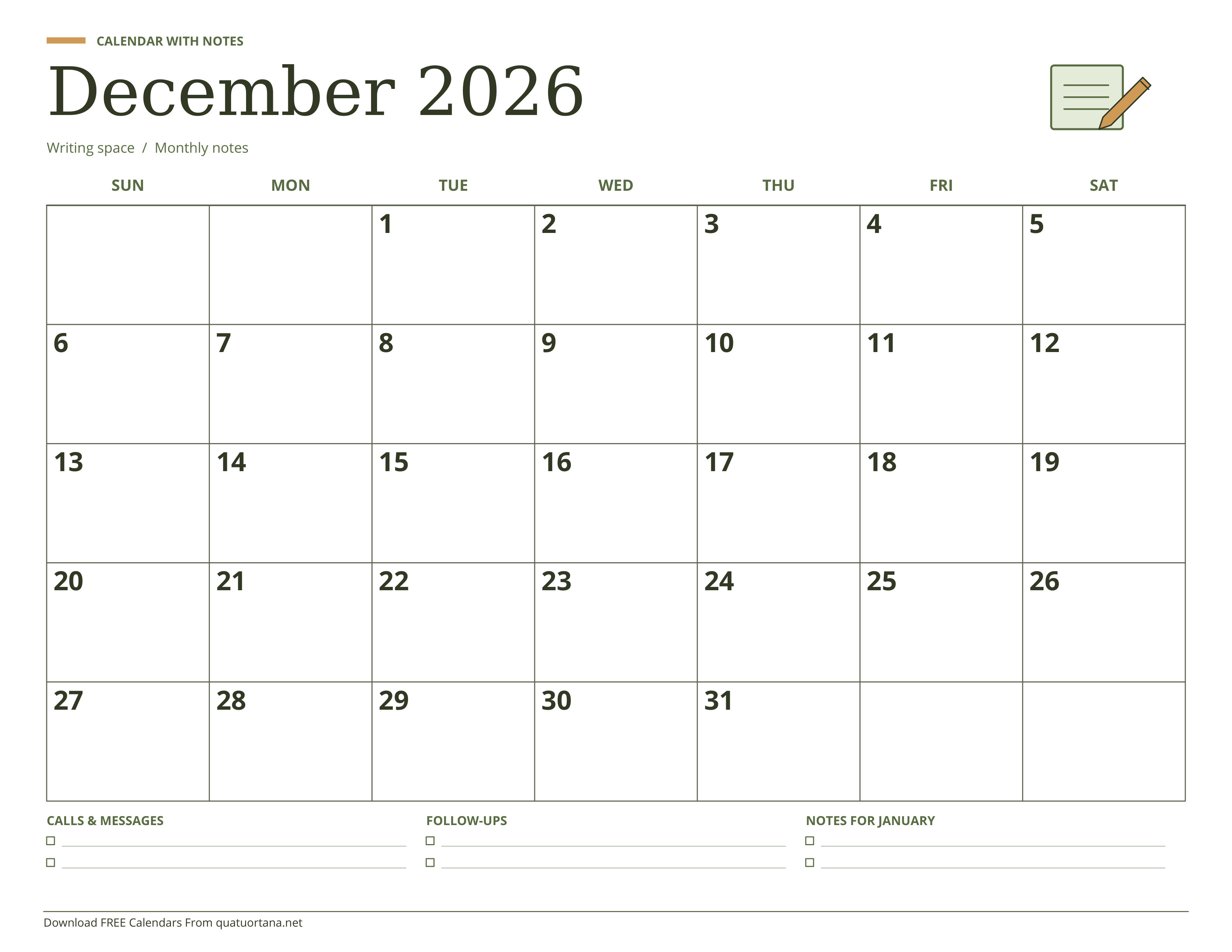
December 2026 Calendar With Notes gives a date and its supporting details different places to live. A December 12 appointment fits in a square. Parking instructions, a question to ask, and the name of the person bringing paperwork rarely do. Leave the short appointment in the grid and move the useful details to the writing space beside or below it. You can then read the whole month without sorting through miniature paragraphs.
December 2026 Calendar With Notes: Monthly Planning Template
Download full-size JPG
Download full-size JPG
Download full-size JPG
Download full-size JPG
Decide What Belongs in the Notes
Start with one test: would the detail still make sense in a different date square? A 3 pm appointment belongs on the scheduled date. “Ask whether the entrance faces Oak Street” is a question to resolve. It can stay in the notes until you get the answer. A grocery item can also stay off the grid unless it must be picked up inside a particular window. Separating those items leaves open squares that truly represent available time.
The notes space is equally useful for things you are waiting to learn. A parent may know there will be a concert without knowing which night it is. Writing “concert?” across several possible dates makes the calendar look full and can mislead another family member. Put “School concert, waiting on notice” in a short waiting list instead. Once the notice arrives, enter the confirmed date with its time.
| Calendar Entry | Note That Supports It | When to Remove the Note |
|---|---|---|
| Dec 5 · furniture pickup | Measure hatch opening before leaving | After confirming the item will fit |
| Dec 12 · team lunch | Ask about a table near the entrance | When the reservation is confirmed |
| Dec 18 · return library kit | Count pieces against the enclosed list | After handing in the complete kit |
| Dec 29 · recipe exchange | Bring two printed copies of the recipe | Once copies are in the event folder |
Match the Writing Space to the Job
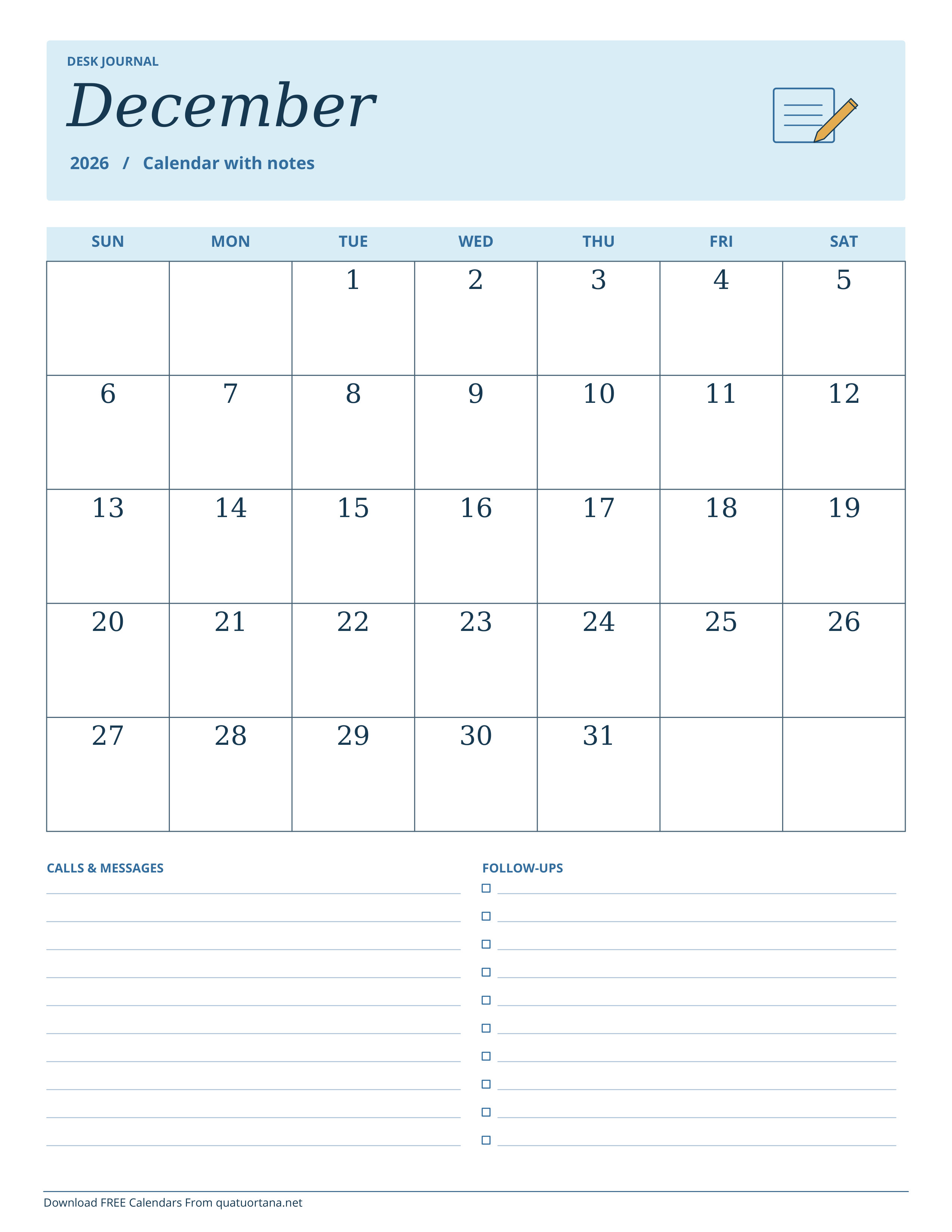
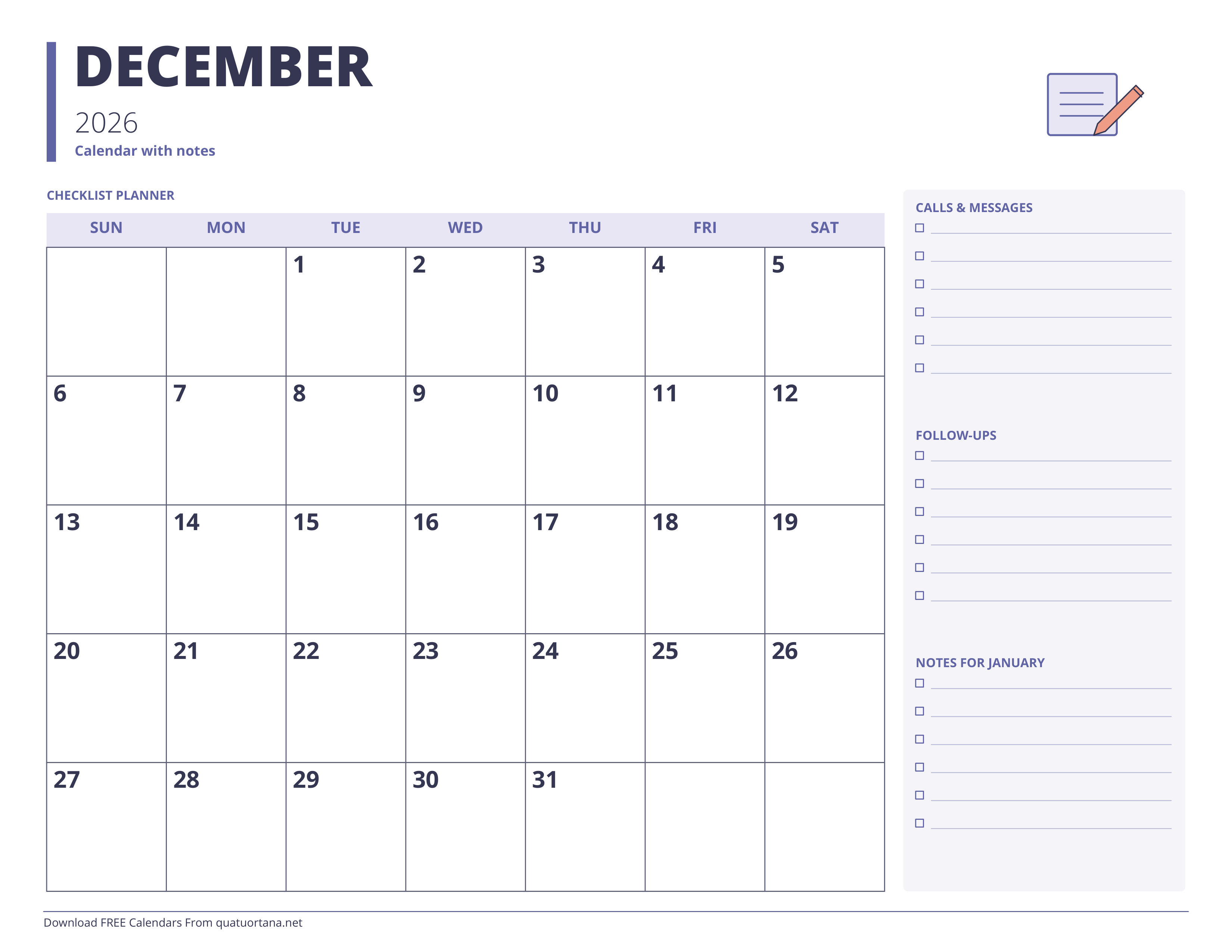
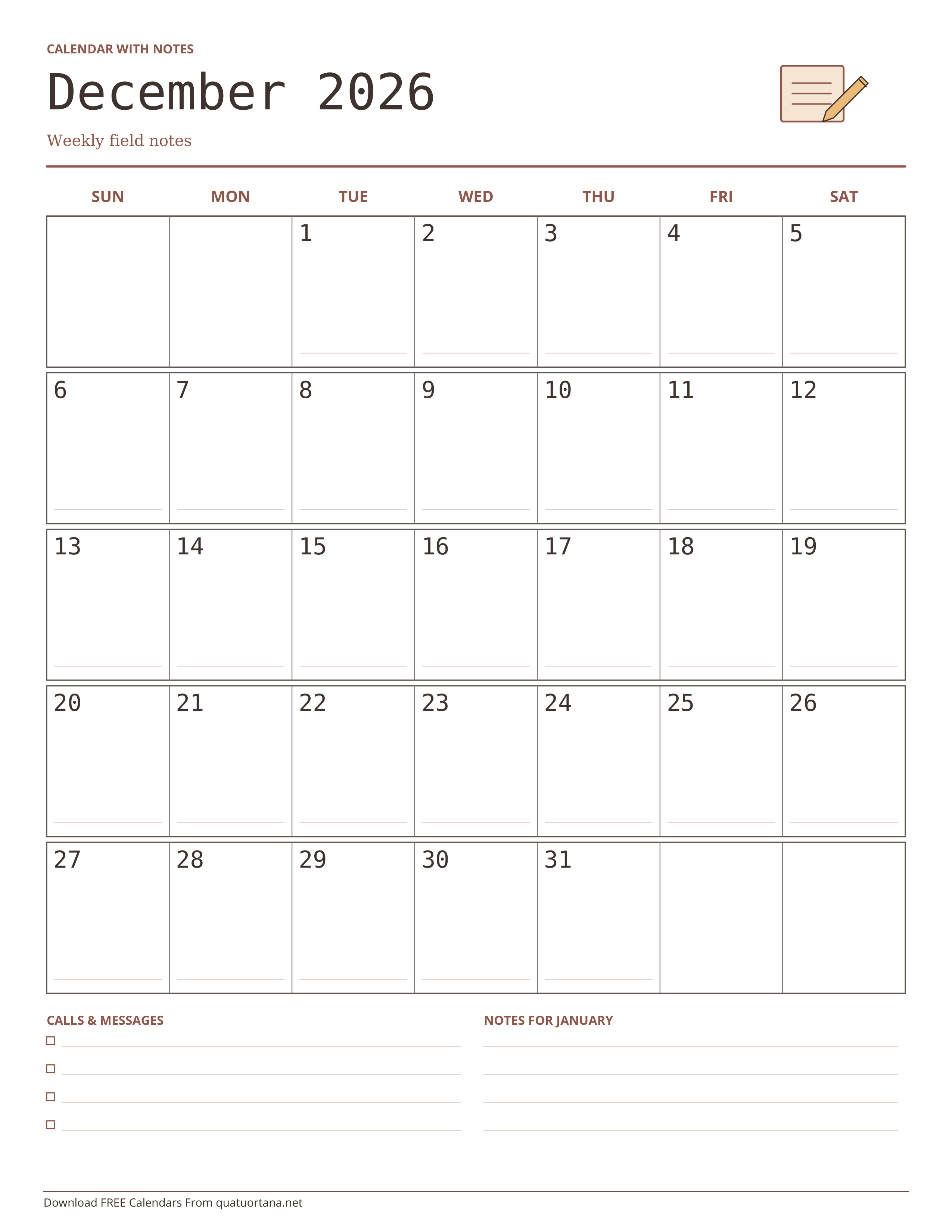
A calendar above a broad notes area suits someone who writes sentences. A checklist alongside the dates can work better for a group of quick errands that belong in different categories. Short week strips suit a running record because the notes stay near the days when things happened. Pick a preview and imagine writing three entries you already know you need. Compare where your hand would go next to find the related date.
Use a December 2026 Calendar With Notes for Longer Entries
- Enter the appointment with a time and a short name, such as “10 am repair visit.” Keep the date number visible.
- Add a small reference only when you need it. A circled A in that square and the same A beside a longer note are enough.
- Begin the note with a verb or a fact. “Move boxes away from the back door” is easier to act on than “back door boxes.”
- Cross off the detail after you use it. Preserve the date entry if you want the page to remain a record of the visit.
Follow an Item Until Someone Answers
Imagine the repair company has promised a call but given no arrival window. Write “Waiting for dispatch to confirm time” in the notes. If you agreed to call back Thursday, put a short follow-up on Thursday’s date. When dispatch answers, replace the waiting note with the actual window and update the calendar square. The phone call and the visit have different dates and should remain distinguishable at a glance.
Keep a Margin From Becoming a Second Calendar
An open area can fill up with unsorted ideas by the end of the first week. Give each note a natural stopping point. A question ends when the answer arrives. A shopping item ends when someone buys it. A possible January project can go in a notebook instead of taking up December writing room indefinitely. If you cannot tell what would close out an entry, rewrite it into something specific enough to check.
- Keep long addresses with the original invitation and copy only the location name.
- Write the responsible person’s initials beside errands that someone else might also do.
- Put a check beside completed actions and a date beside postponed actions.
- Leave two or three lines available for information that arrives during the week.
Review Your December 2026 Calendar Notes Before the Holidays
On Friday, December 18, you have one week until Friday the 25th. Read down the notes with that interval in mind. Which items depend on a shop being open, a relative calling back, or a neighbor lending equipment? These deserve earlier attention than a task you can finish at home at any hour. Move a next action into a date square only once you choose when you will actually do it.
Preserve the Information That Will Matter in January
At the end of December, read each unfinished note aloud as if handing it to someone else. “Call them again” will be useless after a holiday break. “Call the frame shop about order size; ask for Morgan” will still tell you what to do. Copy that fuller wording to January with the next agreed follow-up date. Completed notes can stay on the December sheet, leaving the new month free of errands that have already been settled.
Related Calendars
When a note acquires a firm deadline, move it to the December planning schedule. A portrait calendar can sit opposite your notes in a binder. For the full collection, visit the free printable December 2026 calendar.