Editable December 2026 Calendar comes with a Word document and an Excel workbook you can type into before printing. Both start with a Sunday-first view of December and include space for notes. If you are sending a concert schedule to families, the document gives you a page to arrange and proofread. If the schedule changes every few days and one person keeps the working copy, the workbook can be a convenient place to make those changes.
Editable December 2026 Calendar: Word and Excel Templates
Download the Editable Word Calendar (.docx)
Download the Editable Excel Calendar (.xlsx)
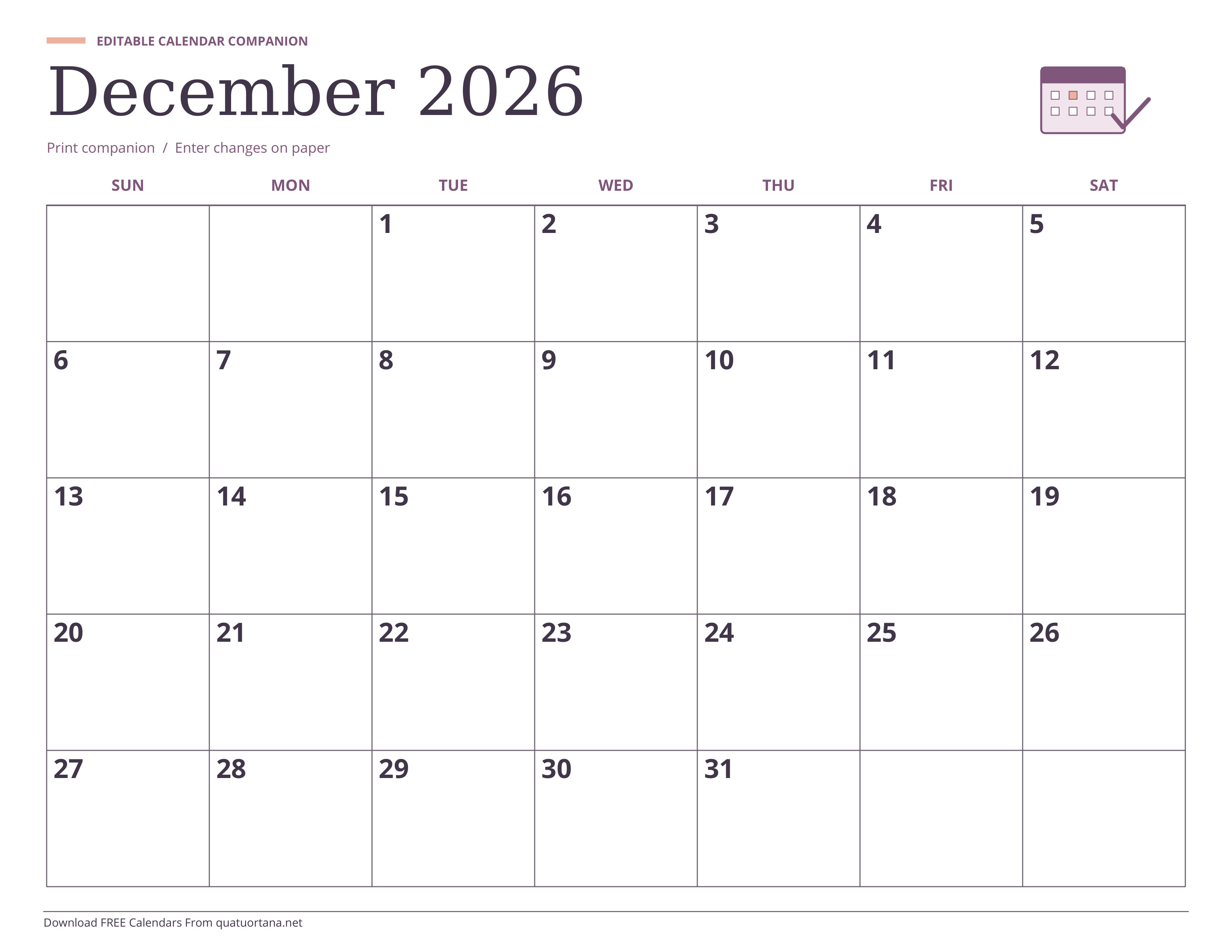
Download full-size JPG
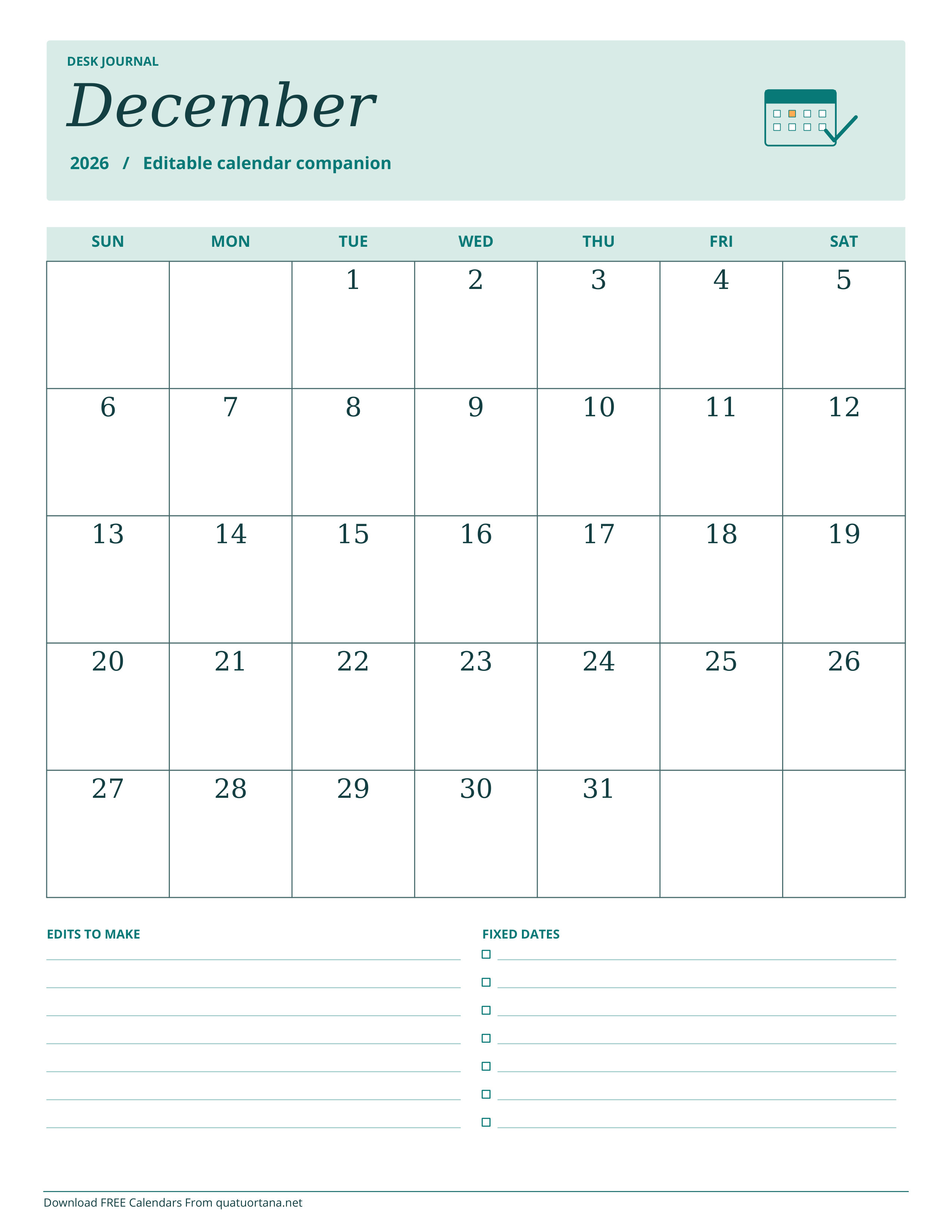
Download full-size JPG
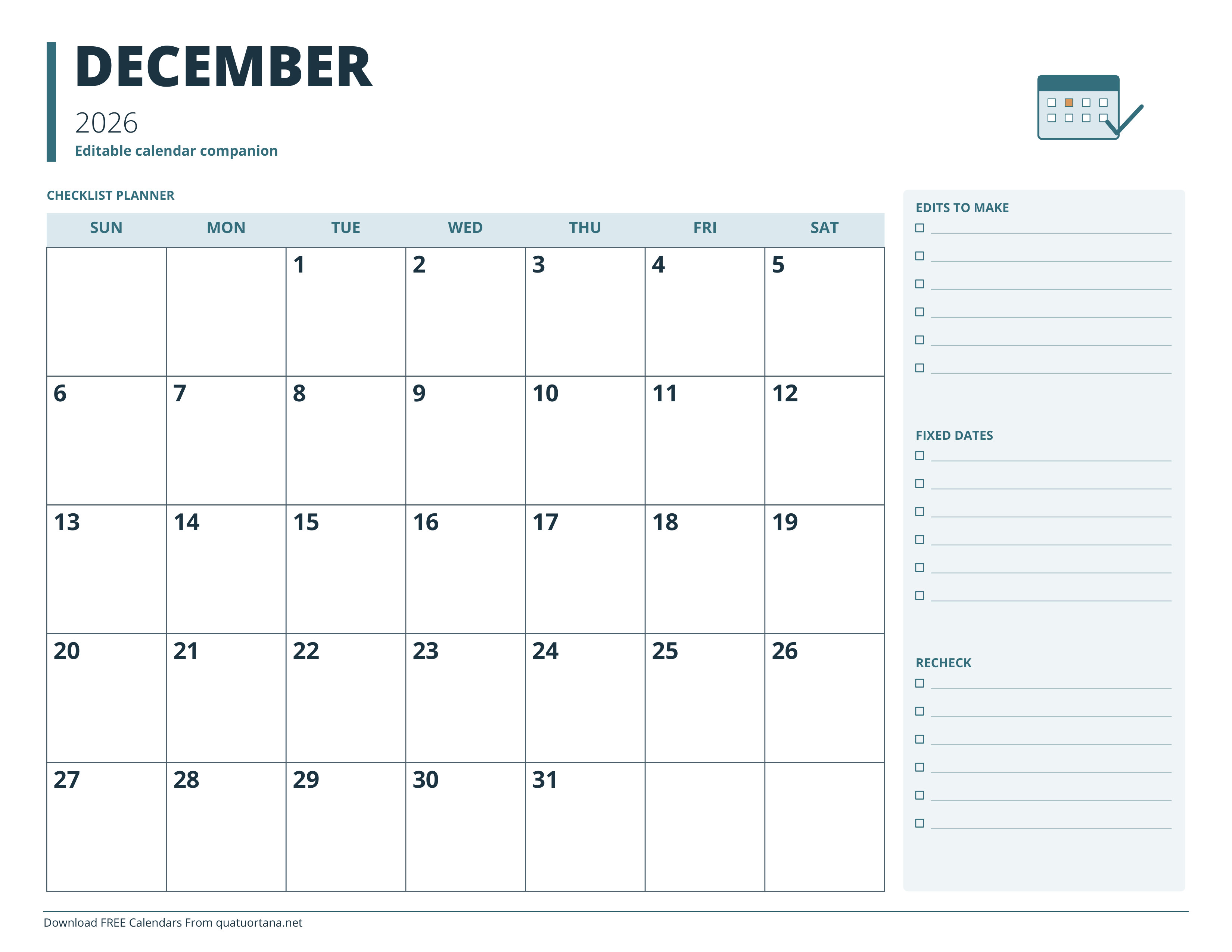
Download full-size JPG
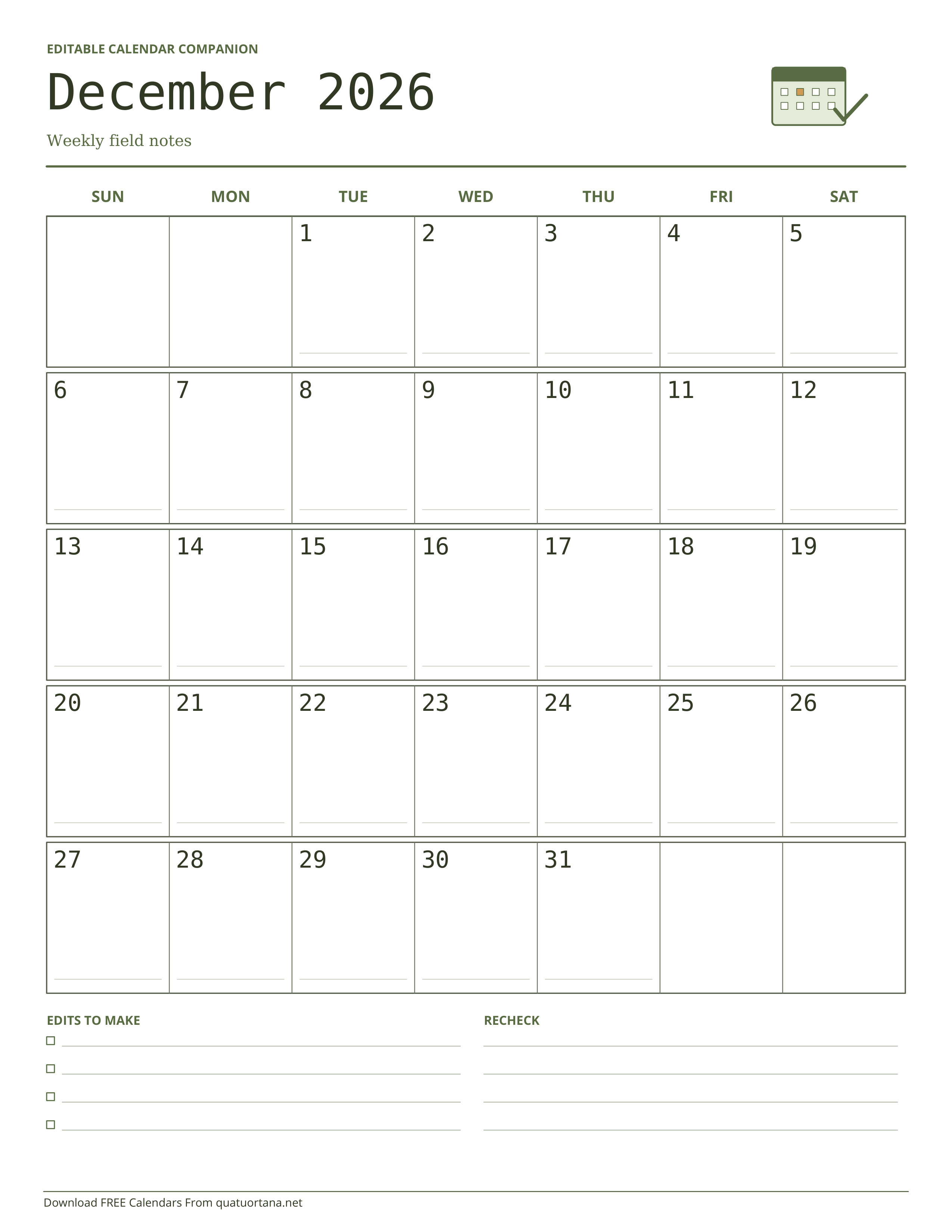
Download full-size JPG
Choose Between the Word and Excel Files
Open the DOCX when you want to work with the calendar as a document. A sentence beneath a schedule, a room change, or an explanation of an abbreviation can be as important as the date itself. Word is a comfortable choice for that combination. Open the XLSX when you prefer selecting an area of a sheet and moving between entries with the keyboard. Both contain editable content. The separate JPGs are ready-made sheets for printing and handwriting.
Consider how the final reader will receive the calendar. A parent who needs to add a second appointment will appreciate a working file. A volunteer who only needs to see when the room opens may prefer a printed copy. Sending an editable document to ten people can also give you ten different versions of the same schedule. Decide whose file is the official one before gathering changes.
| Task | File to Open | Reason to Choose It |
|---|---|---|
| Add rehearsal details and a short explanatory note | Word document | Text and the monthly table share the same page |
| Maintain dates at a desk throughout the month | Excel workbook | You can revisit individual entries quickly |
| Pass around a sign-up sheet | Either editable file | Type confirmed information, then print the open spots |
| Write everything by hand | Full-size JPG | It can go directly from the saved image to paper |
Make a Working Copy Before the First Edit
Download the selected file and save a copy with a descriptive name, such as “Choir December Rehearsals.” Keep the original template in a different folder or leave its original filename intact. If several people help, put the date of the latest revision in the file name or in a note on the page. The note is especially valuable on a printout where nobody can see the filename.
Add Events to Your Editable December 2026 Calendar
- Find Tuesday, December 1, near the beginning of the first row. The Monday square before it belongs to November and should stay empty if you are showing December only.
- Locate the intended date before typing. Keep its printed number visible. If an entry area is separate from the number, type into that open area.
- Enter a short event, time, and location in the order your readers need them. For example, “6 pm rehearsal, Hall B” is easier to scan than a sentence describing the whole evening.
- Preview the entire page after the longest entry. Shorten the event name or move detailed directions into the notes space if the grid runs onto an extra sheet.
An Example With a Room Change
A choir meets on Wednesdays, and its December 16 rehearsal moves from the hall to the library. Change the entry on the 16th only. Leave the ordinary location on the 2nd and 9th so readers can see the exception. In the notes area, add “Dec 16: use the library’s side entrance.” If the 23rd or 30th is undecided, ask the organizer before automatically filling every Wednesday with the usual rehearsal.
Keep a Workbook Readable on Paper
A worksheet can appear spacious on a large monitor while printing tiny on Letter paper. Look at the preview with the entire page in view. Check the weekday headings, then the longest event, then the notes at the bottom. If the preview fits only because the font is very small, cut repeated phrases. A note saying “All rehearsals begin at 6 pm unless marked” can free space across the month.
- Use ordinary text for apartment numbers, room codes, and short labels you want displayed exactly as typed.
- Keep instructions that apply to all dates in one note.
- Check line breaks again after opening a file in a different editing application.
- Proofread the actual printout once before making copies for a group.
Decide What Changes Readers Should See
An overwritten event disappears from a digital file, but someone in the choir may already have copied the old time. Add a short dated change note when the difference matters: “Updated Dec 10: rehearsal on Dec 16 moves to the library.” Remove the note once the exception is over if you are issuing a fresh schedule for the rest of the month. The dated note gives people a reason to look twice at an event they think they know.
Share the Right Version of Your Editable December 2026 Calendar
Before distributing the calendar, read it from the perspective of someone attending for the first time. Does “the hall” mean anything to them? Can they see whether an event starts at six or whether the doors open at six? Replace private shorthand where necessary. Then check December 31 under Thursday and make sure no edit has overwritten a neighboring date. Retain your working document for revisions and distribute the copy that matches how each reader will use it.
Related Calendars
For handwriting instead, choose a blank printed grid. When you need to assign work by week, the Monday-start calendar keeps both weekend days together. For the full collection, visit the free printable December 2026 calendar.