Free December 2026 Calendar Wallpaper puts the month on your desktop or lock screen so you can check a date without opening a calendar app. The best fit depends on the shape of the screen and where your device puts its clock, icons, and controls. Start with the image made for the screen you use most. A tall phone picture and a wide desktop picture show the same month, but they leave different amounts of room around the dates when a device fills the screen.
Free December 2026 Calendar Wallpaper for Your Devices
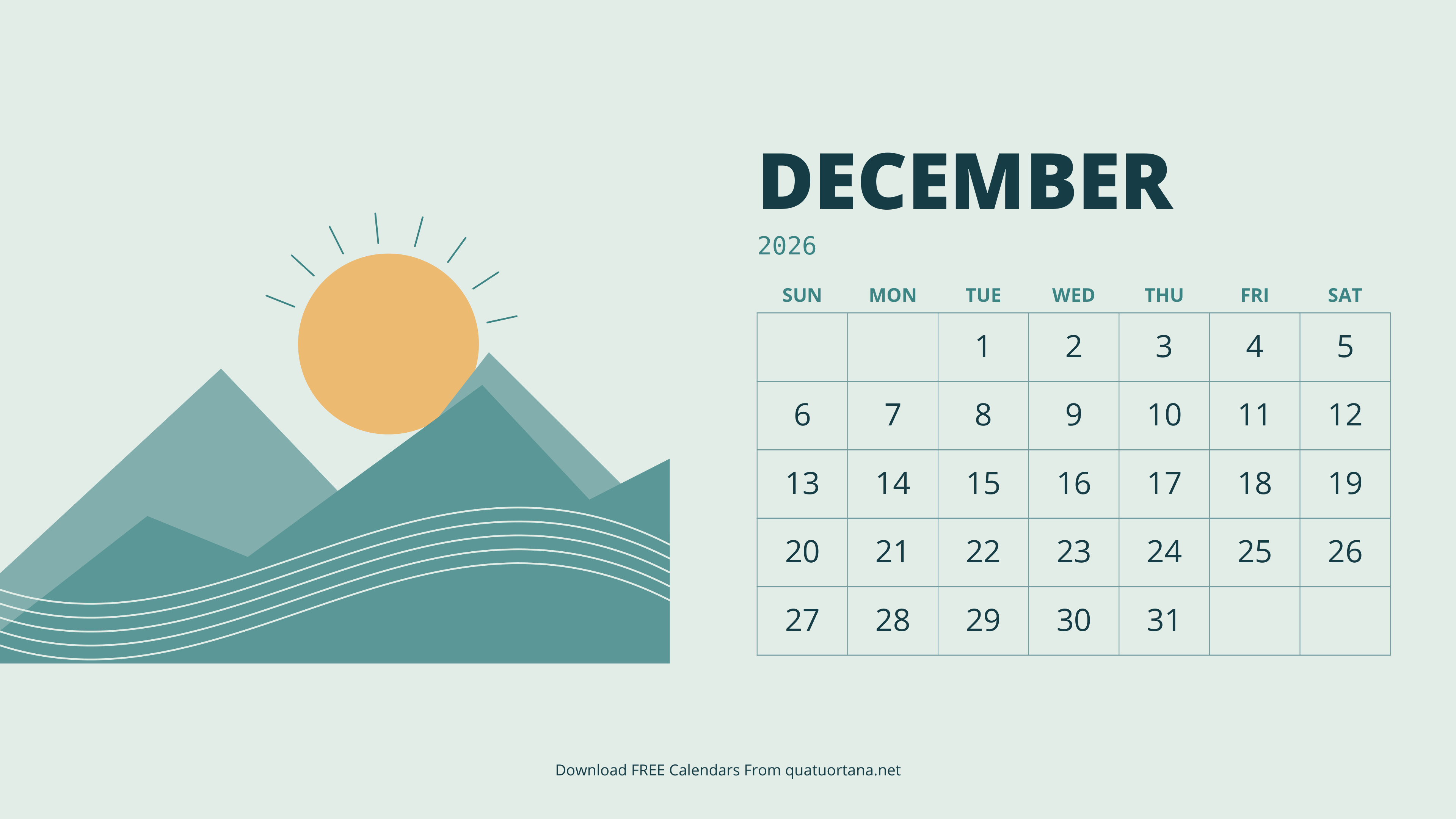
Download full-size JPG
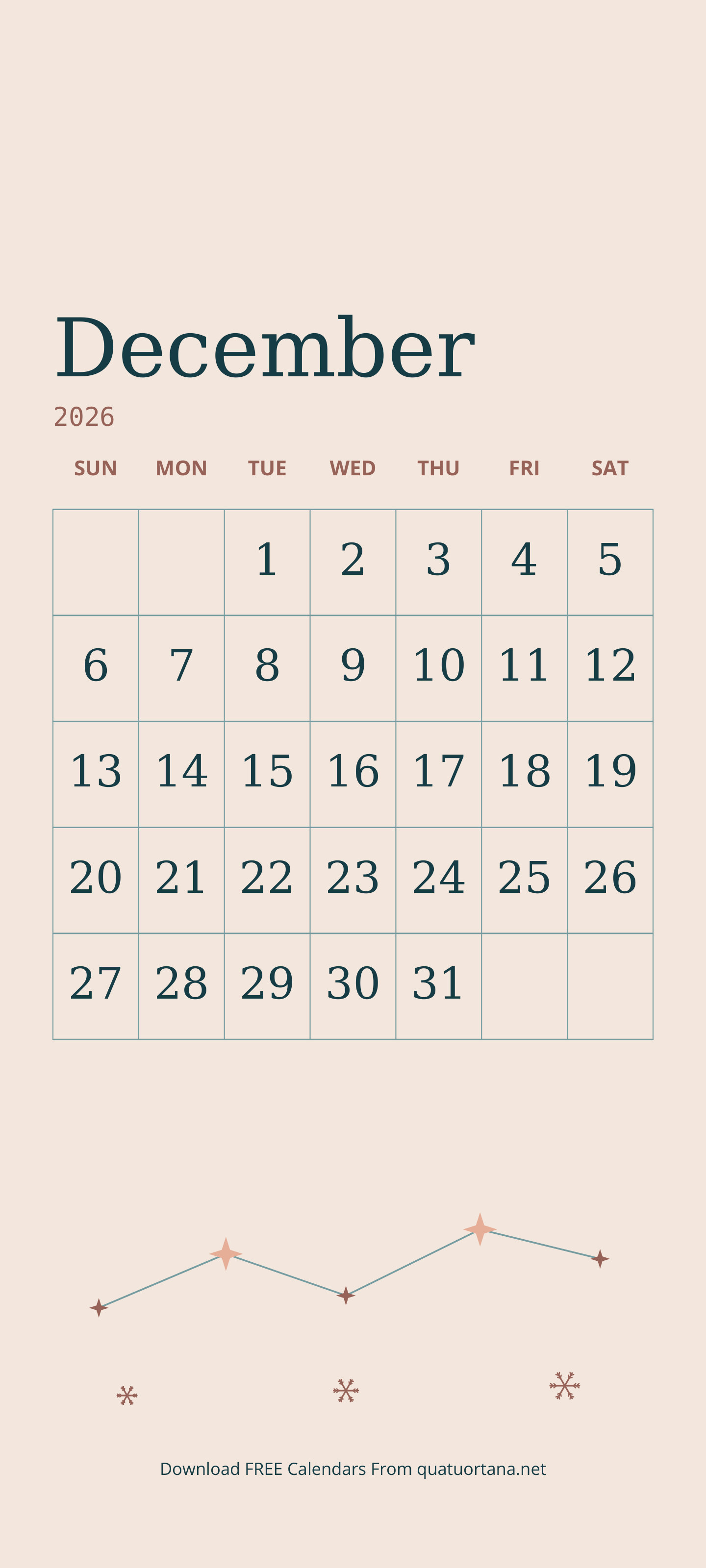
Download full-size JPG
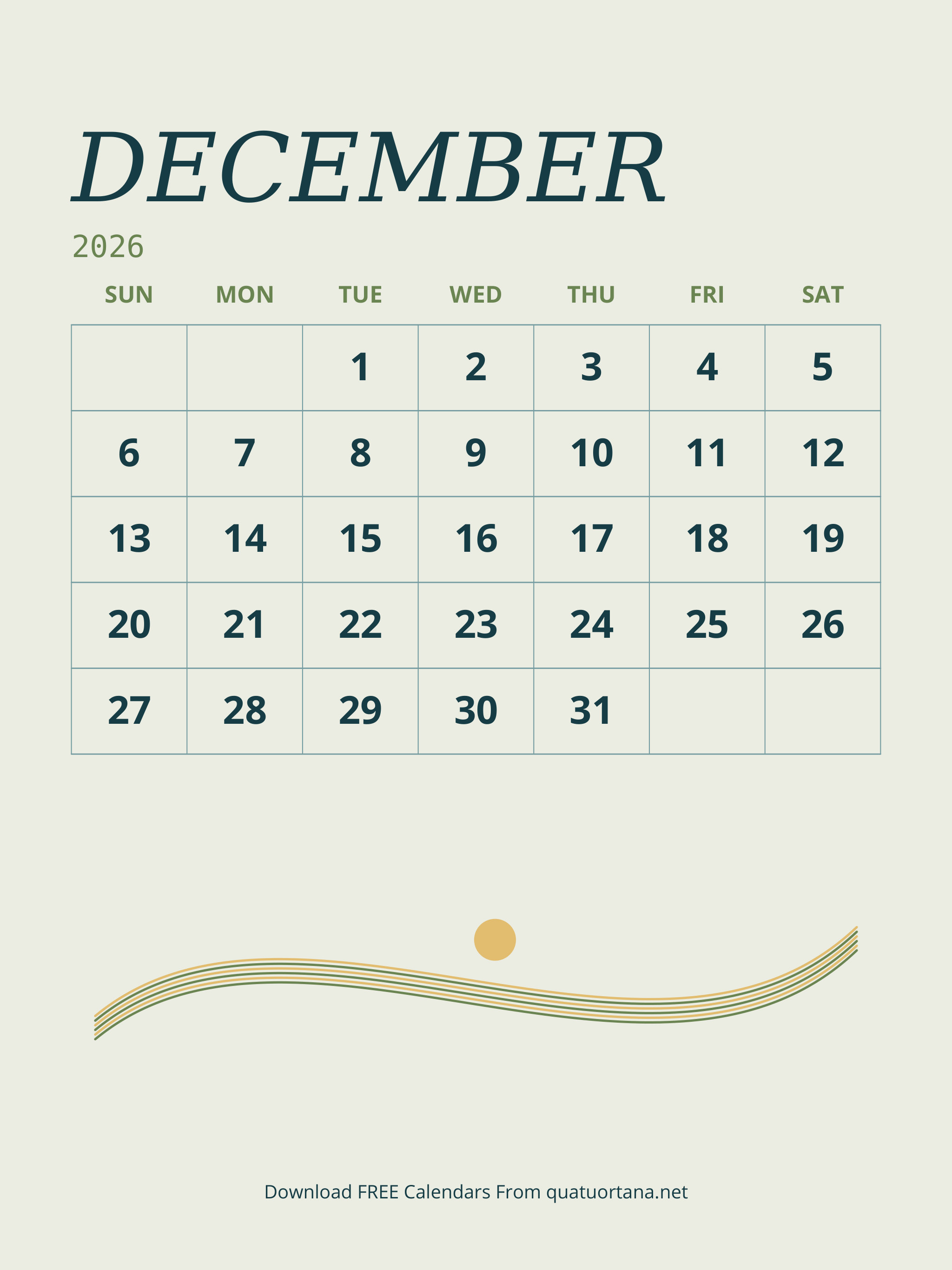
Download full-size JPG
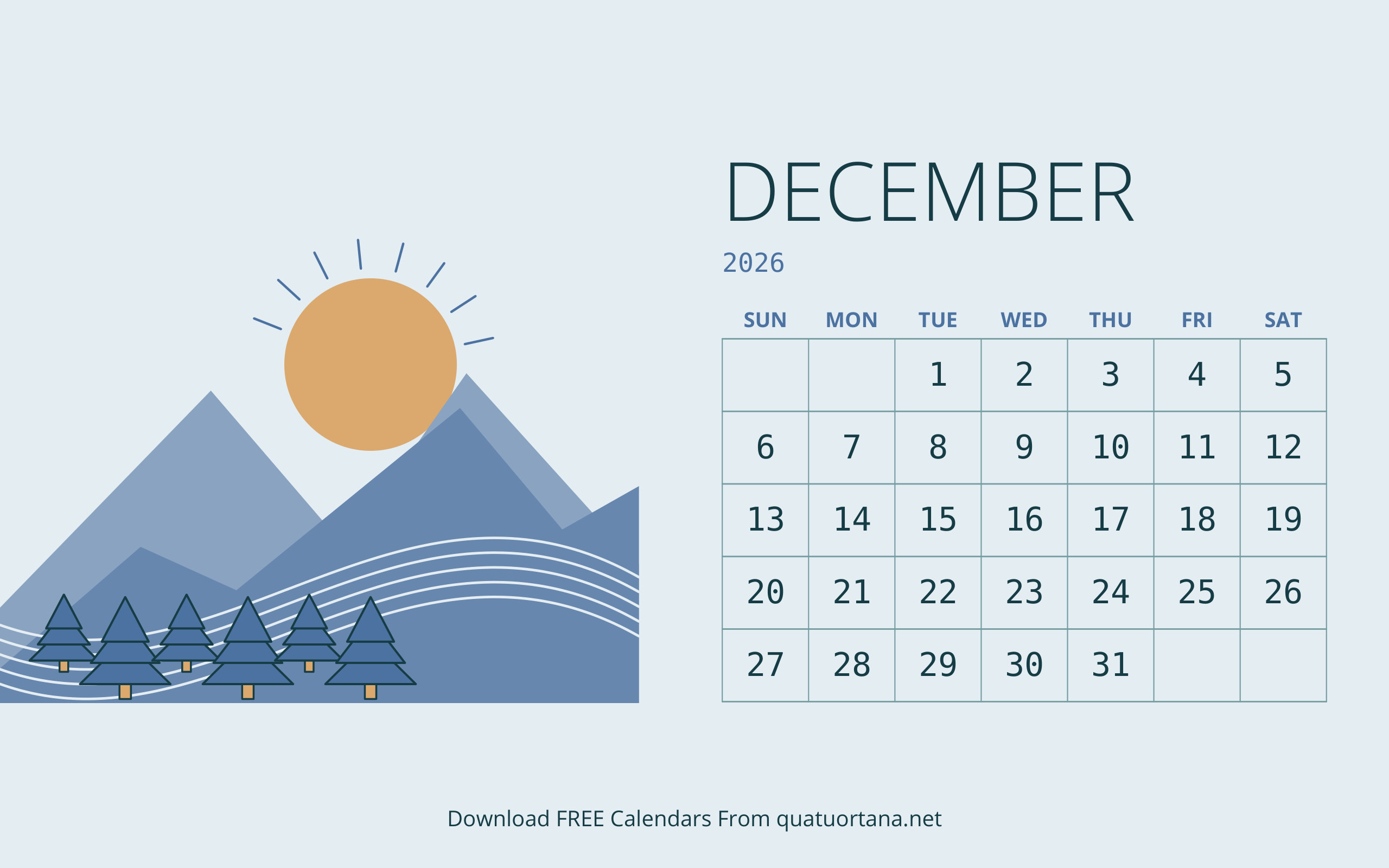
Download full-size JPG
Find the Closest Wallpaper Shape
Image dimensions are given in pixels, width first. A 3840 by 2160 image is wide, while a 1440 by 3200 image is tall. If you know your display dimensions, compare their proportions to the options below. An exact match in pixel count is unnecessary. A 1920 by 1080 monitor has the same 16:9 shape as the desktop image, so the whole composition can scale down together.
| Device Use | Image Dimensions | A Good First Check |
|---|---|---|
| Desktop monitor or external display | 3840 × 2160 | Look for a 16:9 landscape screen |
| Upright smartphone | 1440 × 3200 | Preview with the normal lock-screen clock visible |
| Portrait tablet | 2048 × 2732 | Check the grid with the device held upright |
| Wide laptop | 2560 × 1600 | Look for a 16:10 landscape screen |
Two landscape screens of similar diagonal size can still have different proportions. The laptop picture is a little taller relative to its width than the desktop version. Open both on a 16:10 laptop and look at the space above the weekday headers and below the last row. If filling the screen removes part of either, choose the better-fitting picture or a setting that shows the whole image. Empty margins are a reasonable trade when you need to see every date.
Decide Which Screen Should Carry the Dates
A lock screen gives you a calendar before you open an app. It also has a prominent clock and may show notifications over the picture. A home screen or desktop can keep the dates visible for longer, provided widgets and shortcuts leave the grid clear. If you often need a quick answer while cooking or talking on the phone, test the lock screen first. If you compare deadlines while working on a laptop, use that display and arrange a clear place for the dates.
Fit Free December 2026 Calendar Wallpaper to Your Screen
- Select the JPG for your intended device and save the full image. Keep a copy whose filename includes December and 2026.
- Open your device’s wallpaper or desktop-background settings and select that saved picture. Use the preview before applying it.
- Find Tuesday, December 1, and Thursday, December 31. Then read the first and last weekday headers to check the image edges.
- Apply it to the intended screen. Recheck the result with the actual clock, taskbar, or shortcut icons in place.
If your system lets you reposition the image, make small adjustments and check both sides after each change. Moving a phone background down to clear the clock can push the last week behind a row of controls. A setting that fits the whole picture can solve that problem in one step. When the preview offers animation or automatic zoom, watch the image settle before deciding whether the edges are clear.
Put the Wallpaper to Work in December
A static wallpaper is especially handy for questions such as “What’s the second Wednesday?” In December 2026, Wednesday falls on the 2nd, 9th, 16th, 23rd, and 30th. You can settle a proposed meeting on the 9th while keeping your scheduling app open for the actual invitation. The numbers on the image stay fixed throughout the month. Add anything that needs an alarm, a location, or a participant list to the calendar app you already use.
- Keep daily-use app icons together on one side of a desktop, or use a less crowded phone home-screen page for the calendar.
- When presenting from a computer, use the background as a date reference and keep private meeting details inside your agenda.
- If the same tablet usually works in two orientations, preview the wallpaper both ways. Rotation can change which edge is cropped.
- Store the original image with its month and year in the name so you can restore it after trying another background.
Use December 2026 Calendar Wallpaper on a Second Display
For a two-monitor desk, treat each monitor as a separate surface if your display settings allow it. A single picture stretched over both monitors can split the calendar between screens or leave dates behind the bezel. Put the wallpaper on the display you consult when picking meeting dates. Then open the applications you normally use and see whether the calendar is visible when you actually need it. Moving the calendar to the smaller side monitor may be more practical than putting it on the largest screen.
At the end of December, check what happens when you wake the device on Friday, January 1. The printed dates on a JPG never roll over on their own. If this has become your everyday reference, set a reminder in your normal calendar to switch backgrounds. Keep December’s file if you want a quick visual record of which weekday a past date fell on.
Related Calendars
For a darker screen, choose a black-background calendar wallpaper. To put the same month on your desk, print a landscape calendar. For the full collection, visit the December 2026 calendar templates.