December 2026 Calendar With a Black Background wallpaper puts a bright date grid against a dark field. It is meant for the moment when you glance at a dimmed phone or a desktop between tasks and need to find a weekday quickly. The most important test is whether you can distinguish the numbers at the brightness you actually use. A wallpaper that looks striking at full brightness in a preview may read quite differently beside a lamp or across a dark desk.
December 2026 Calendar Black Background: Dark Mode Wallpaper
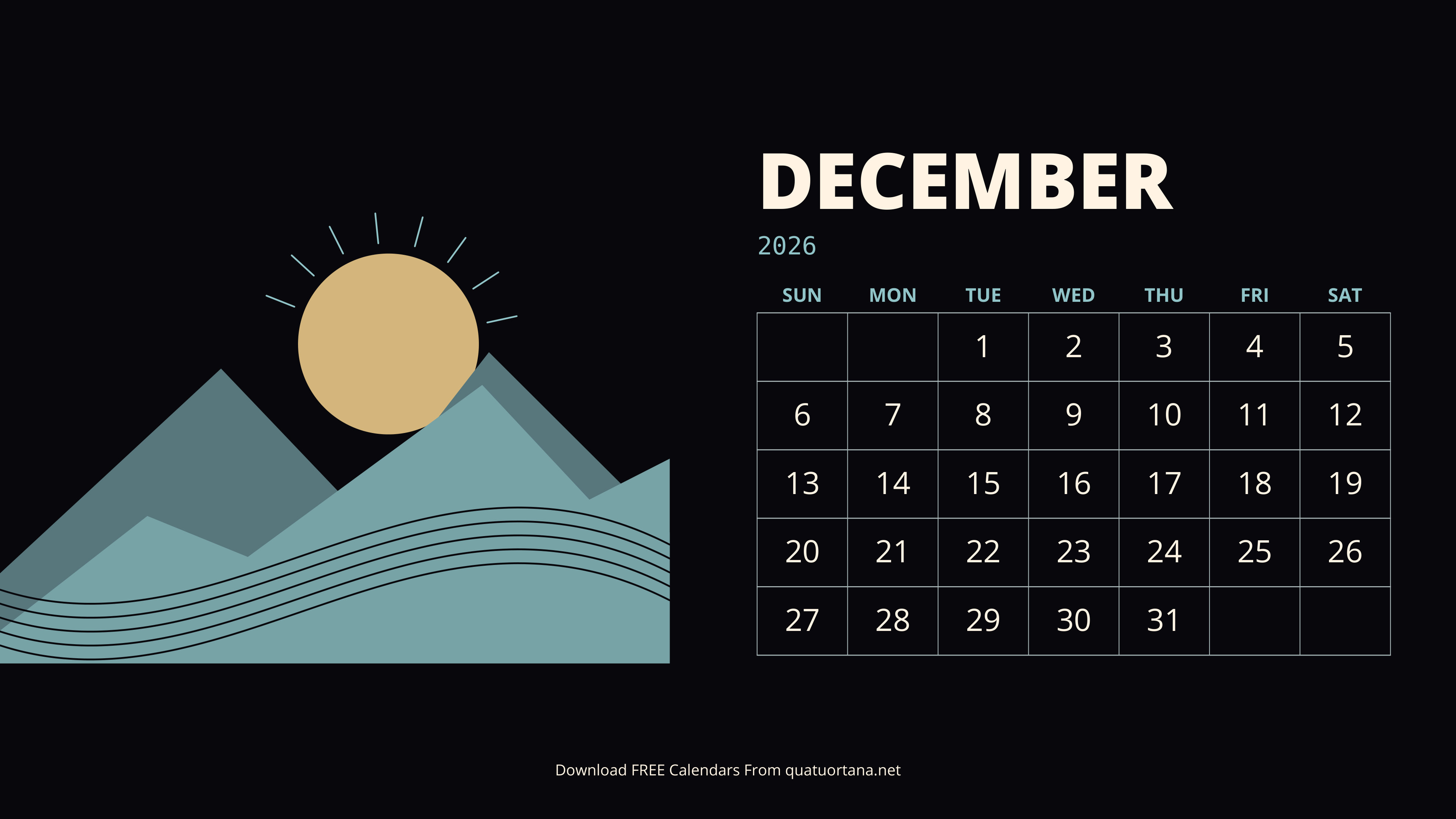
Download full-size JPG
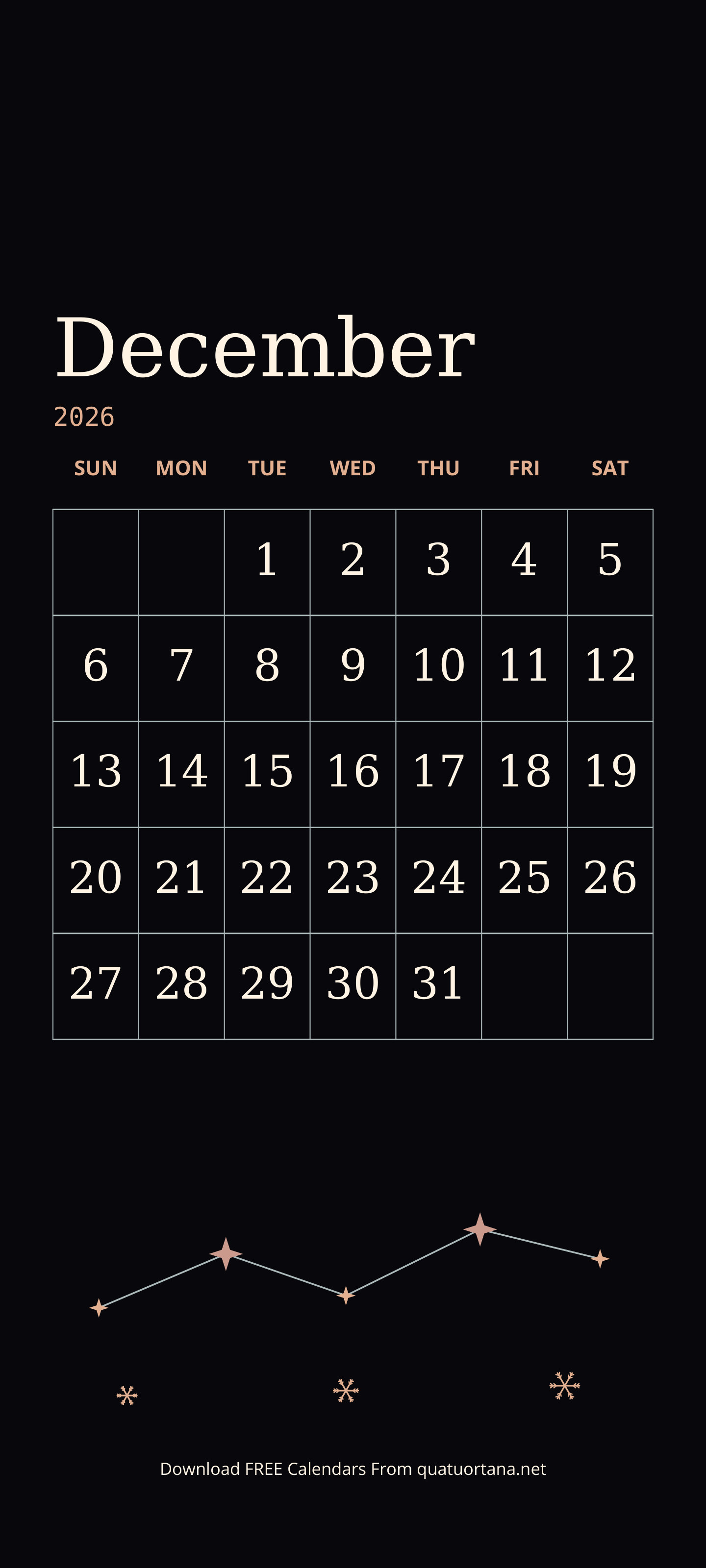
Download full-size JPG
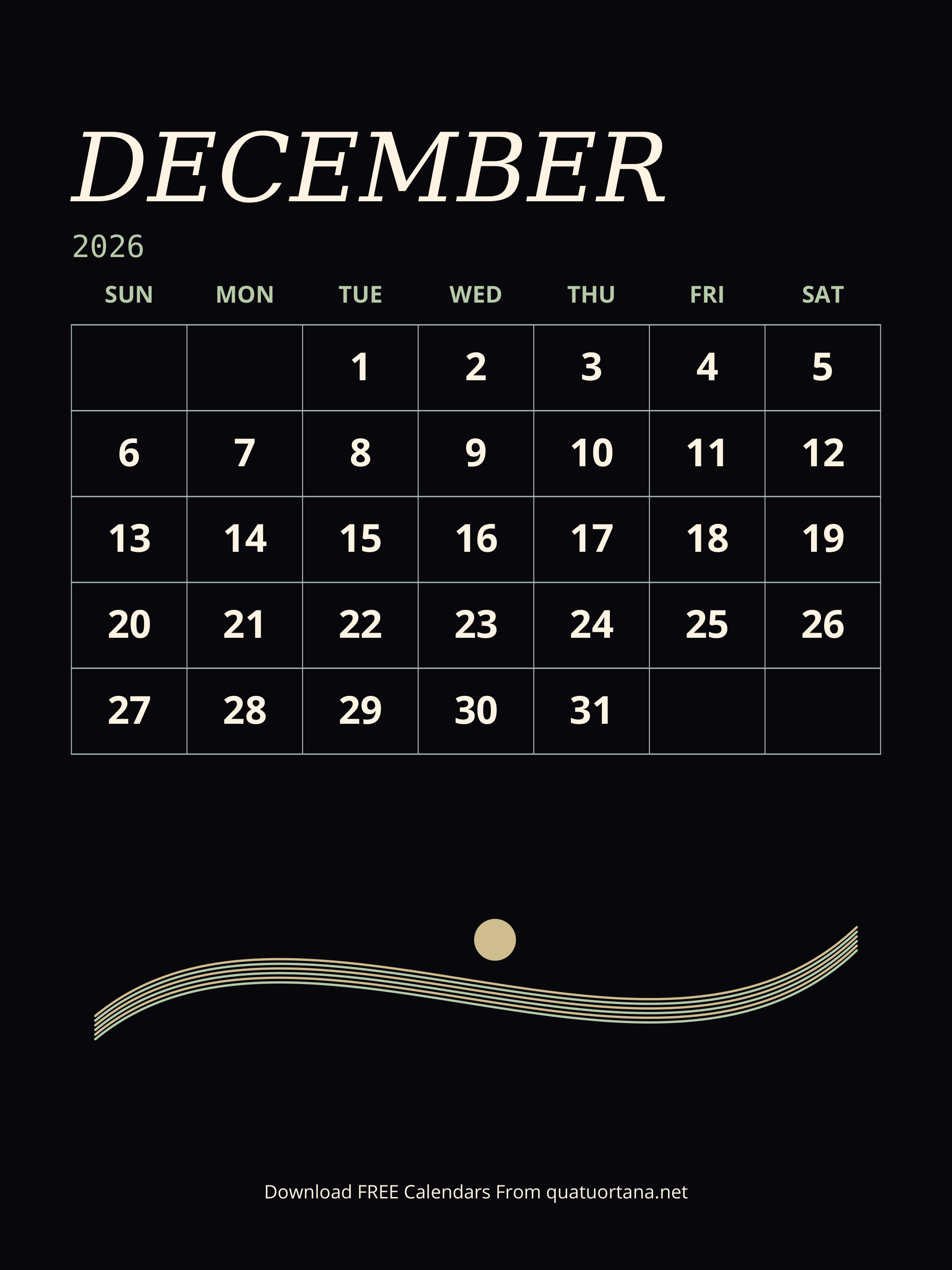
Download full-size JPG
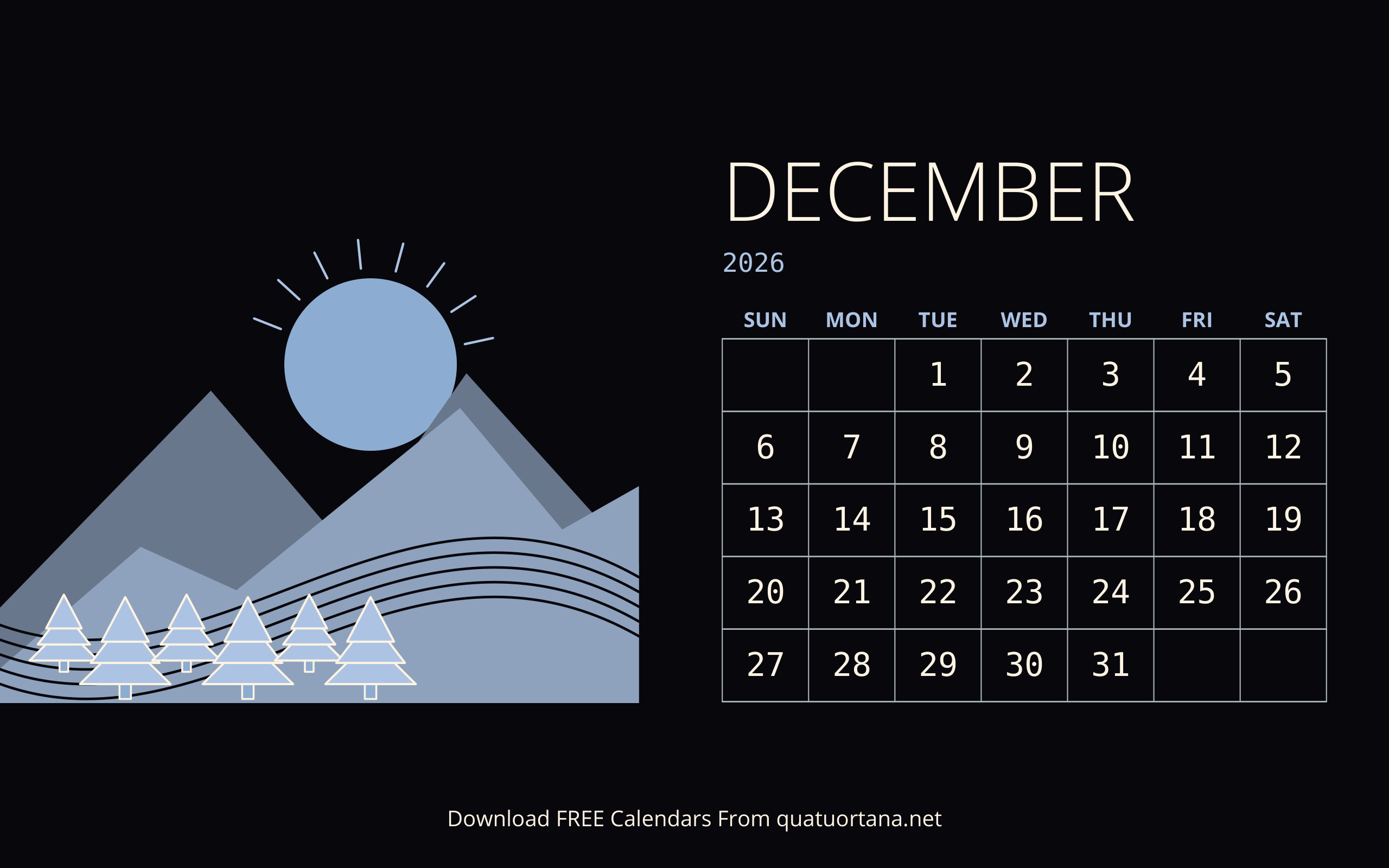
Download full-size JPG
Read a Dark Calendar at Everyday Brightness
Open a candidate image, back away to your usual viewing distance, and find Saturday, December 5. Now find Saturday the 26th in the same column. Notice which details guided your eye. If you can pick out the large title but lose the small weekday labels, try a different composition or give the image more screen area. Cropping can help a photograph fill a display, but it is a poor bargain if the calendar loses a weekday.
Turn on the display mode you normally use after sunset before making your final choice. A warm color filter can soften the difference between neighboring accent colors. A bright white notification card can also draw your attention away from the quiet grid. Evaluate the wallpaper with those settings active. This gives a better guide to nightly readability than judging the JPG alone against a blank white browser window.
| Screen | Image Dimensions in Pixels | Inspect This Area |
|---|---|---|
| Desktop monitor | 3840 × 2160 | Date columns near desktop shortcuts |
| Phone in portrait | 1440 × 3200 | Top clock and bottom controls |
| Tablet held upright | 2048 × 2732 | Weekday letters at reading distance |
| Laptop in landscape | 2560 × 1600 | Last row above the dock or taskbar |
Separate Screen Settings From the Background
Selecting a black JPG changes the picture behind your icons. Your operating system and individual apps still control their menus, window colors, and notification panels. A bright calendar app can therefore open over a dark December wallpaper. If you want the two to look similar, adjust the app’s appearance separately where that option is available. Keep a copy of the original wallpaper so you can compare it with the finished setup after making changes.
Use a Black Background for a December 2026 Calendar at Night
- Save the full-size image that most closely matches the shape of the display.
- Select the file in the background settings and preview it with the normal clock or system bar in view.
- Lower the display to your normal evening brightness and read the month name, weekday initials, and a date from the final row.
- Move a widget or choose a different image if an important date falls underneath it. Recheck after dismissing the preview controls.
If you work around other people at night, the dark field can make the desktop less visually busy. It also makes a stray white file icon more conspicuous. Try putting temporary desktop files into a single folder away from the numbers. On a shared workstation, keep a familiar shortcut in a predictable place so that clearing the calendar area does not make the computer harder for someone else to use. The goal is a glanceable date grid during an ordinary shift.
Test a Real Date Question
Imagine you are finishing a shift on Wednesday evening, December 16, and someone asks whether New Year’s Eve falls on the same weekday two weeks later. Trace from Wednesday the 16th to Wednesday the 30th. The 31st is one column later, on Thursday. That small exercise tests the full depth of the calendar. If the lower edge disappears when a dock pops up, you have found a problem that a quick look at the title would have missed.
- On a phone, compare the preview before and after a typical notification appears. A persistent widget may need more space than a temporary alert.
- On a monitor, read one date near each corner under the lighting you use in the room.
- On a laptop, check the calendar after reconnecting an external display. Each screen can have a different aspect ratio.
- For a shared tablet, test the position from the side where it normally rests on a stand.
Adjust a December 2026 Calendar With a Black Background
A black image can make reflected windows or desk lamps more noticeable. Change the display angle slightly or move the lamp and check the same date again. If reflections disappear but the numbers are still indistinct, inspect the saved image directly. A small screenshot enlarged to fill a monitor can blur the edges of each digit. Returning to the downloaded full-resolution file is a better first adjustment than turning brightness all the way up.
If your device fills the screen by cropping, test a whole-image or fit option when available. Narrow dark margins often blend naturally into this wallpaper. A full date grid with a little extra dark space lets you read December from the first Tuesday through the final Thursday. When your usual December reference becomes January’s outdated background, switch the picture from the saved wallpaper settings. The date grid is part of the image, so choosing the next month’s file is what changes the month.
Related Calendars
If you prefer a lighter lock screen, browse the December device wallpapers. For an ink-friendly paper copy, use a black-and-white calendar PDF. For the full collection, visit the free printable December 2026 calendar.